01
Cluster
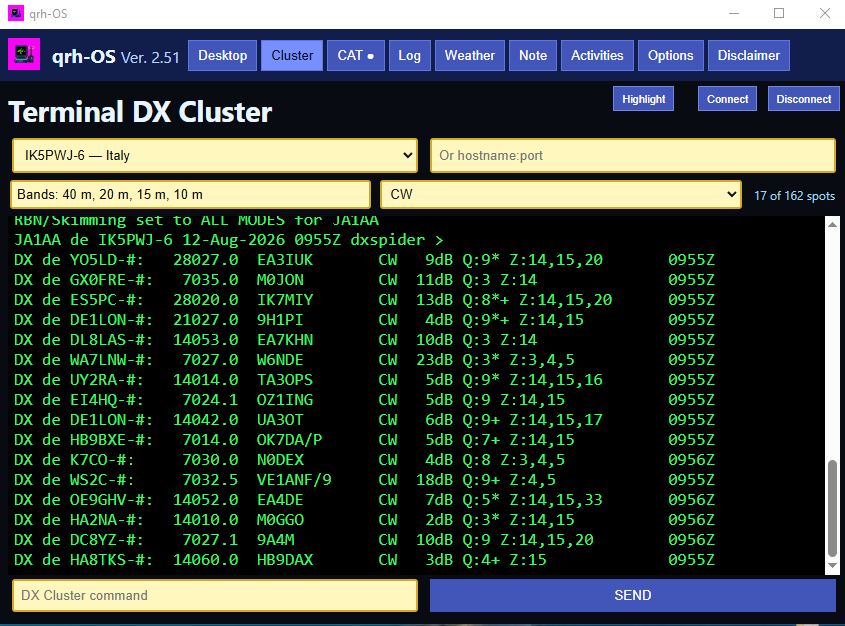
A simple yet powerful Telnet terminal for fast DX Cluster connections. Highlight up to four callsigns to help catch DXpeditions and rare stations still missing from your DXCC.
Created by IK6QRH — Roberto Borrelli
Your Ham Radio World,
Inside Windows.
An application that works simulating an operating system inside your Windows 10 or 11 system. An evoluted launcher. It does not change your system settings: it adds a virtual desktop with utilities for amateur radio operators and an integrated CAT radio system, and now RTTY and WEFAX reception with easy signal alignment, plus CW (Morse code) decoding.
Download qrh-OS30-day free trial · no limits↓No credit card required to try. Just donation requested after trial period.
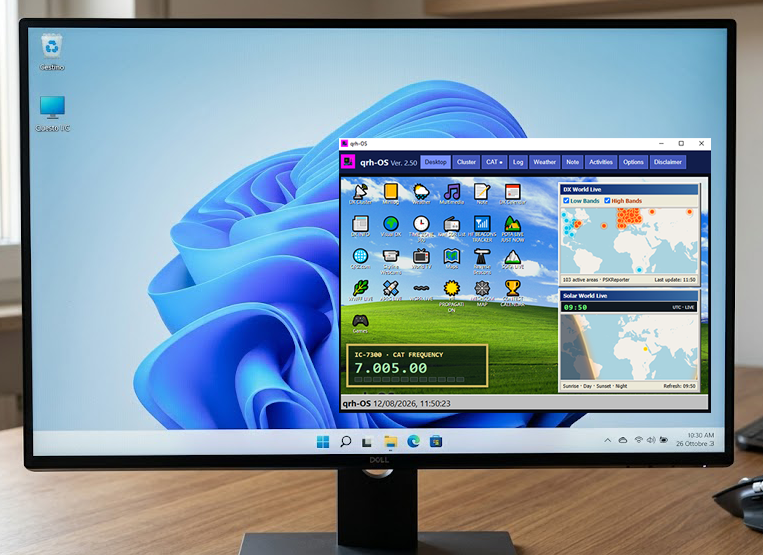
A complete radio desktop
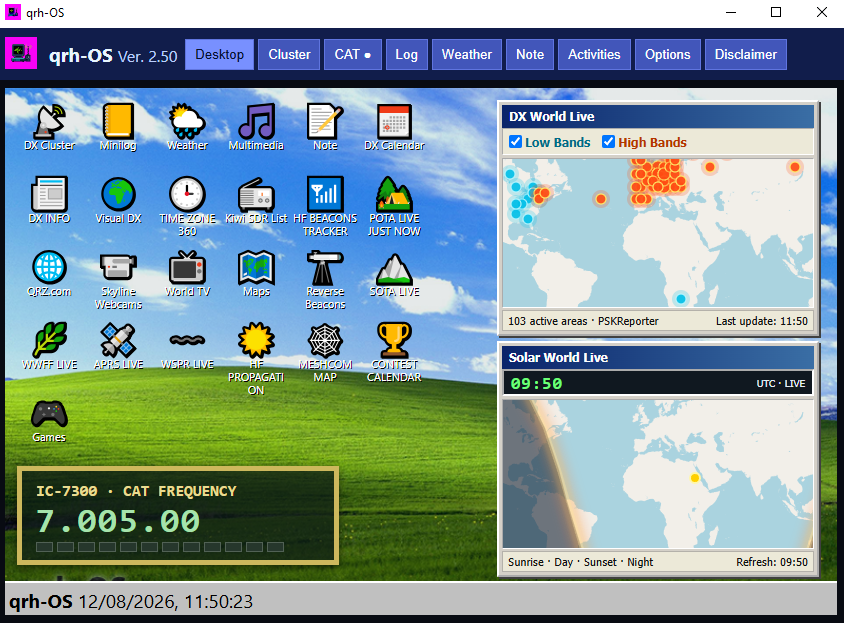
qrh-OS brings radio utilities, live maps, web pages, audio and video players, DX tools, and now RTTY and WEFAX reception together in one focused environment. The new reception tools include an easy system for aligning to received signals, and qrh-OS can also decode CW (Morse code) transmissions. With many additional utilities for amateur radio operators and technology enthusiasts, everything runs in a single window inspired by classic Windows systems—directly on your Windows 10 or Windows 11 PC.
The author chose to call this application qrh-OS because of its interactive features and built-in multimedia capabilities. It is not an operating system, but a valuable launcher—a powerful utility that runs on Windows 10 and Windows 11.
Explore the desktop
Built for the curious operator, from first signal to the rarest contact.
01
A simple yet powerful Telnet terminal for fast DX Cluster connections. Highlight up to four callsigns to help catch DXpeditions and rare stations still missing from your DXCC.
02
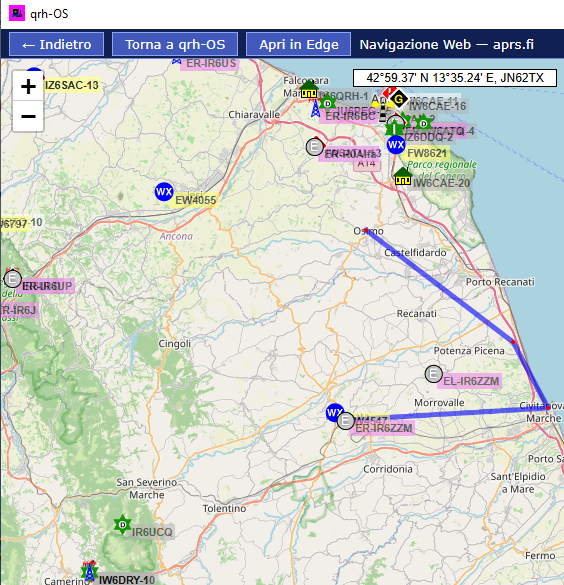
Follow APRS stations in real time on interactive maps.
03
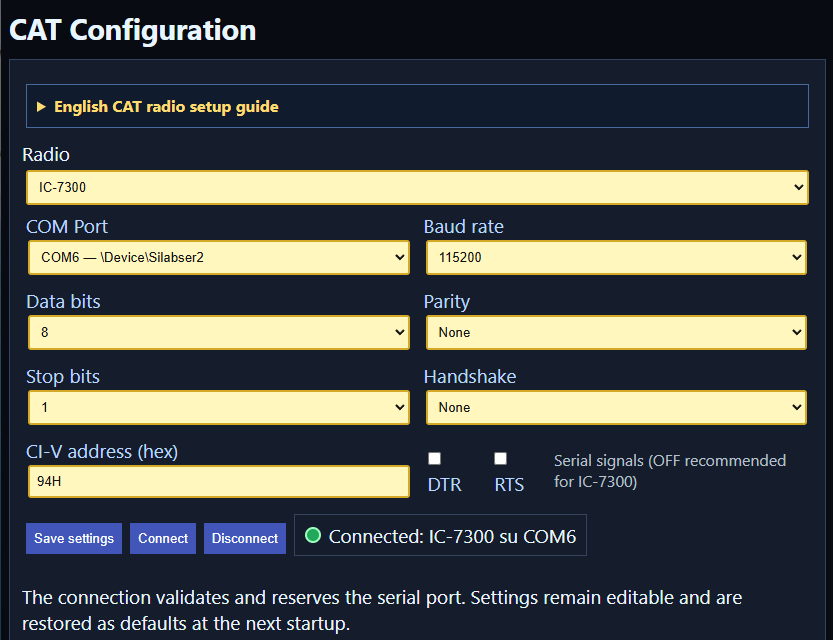
Connect your transceiver and tune directly from Cluster, POTA, SOTA, WWFF and Visual DX.
18
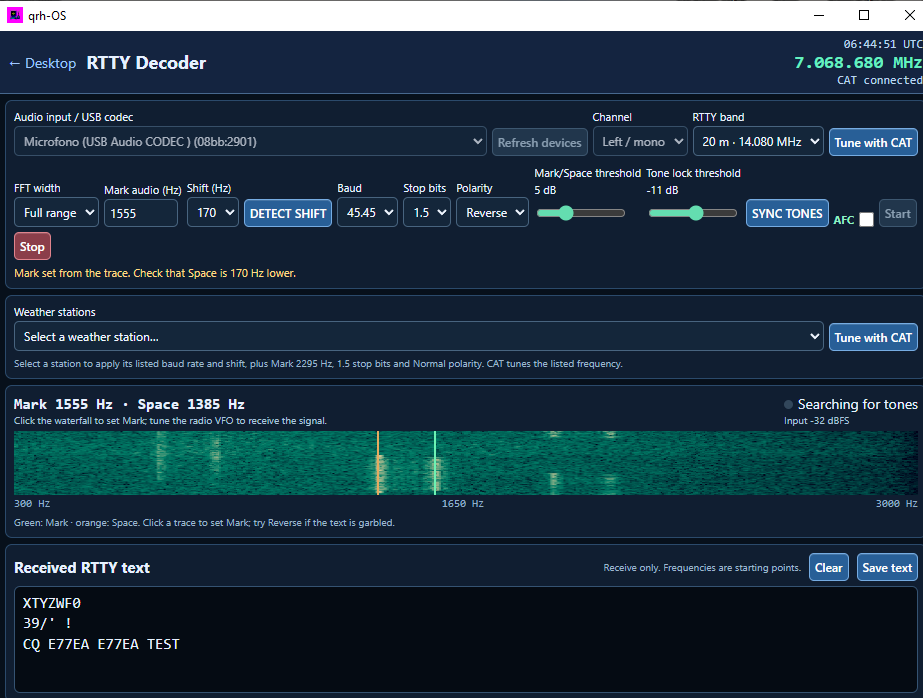
Receive and decode RTTY signals with an easy alignment system that helps you tune in to the received signal.
20
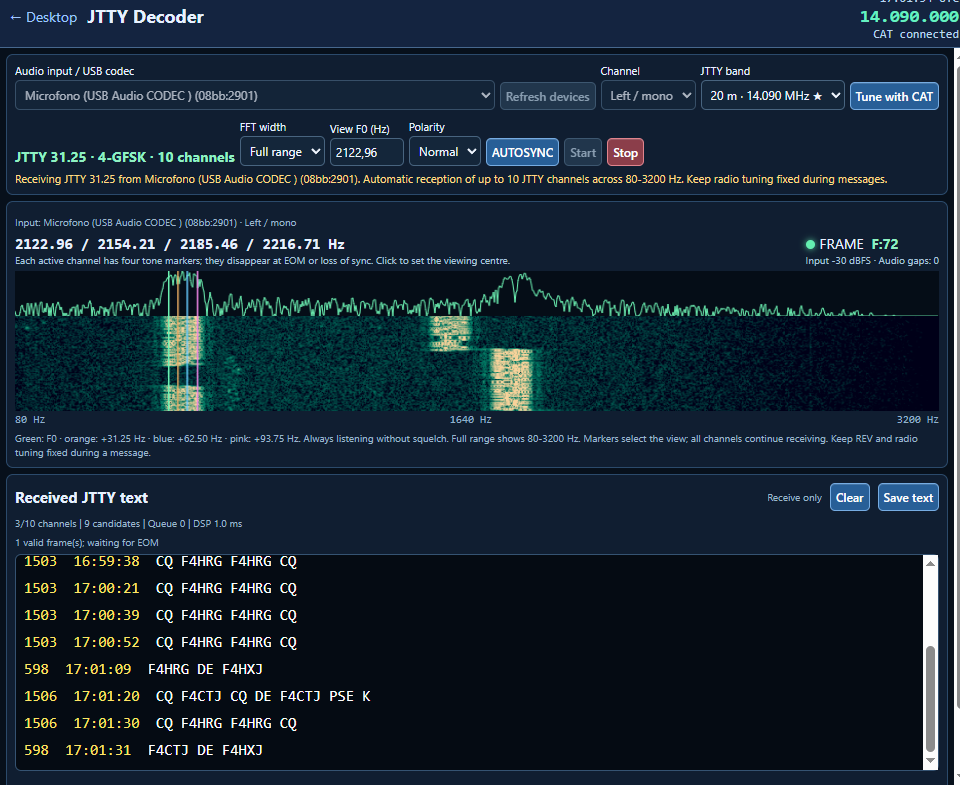
Decode the new JTTY mode directly in qrh-OS.
19
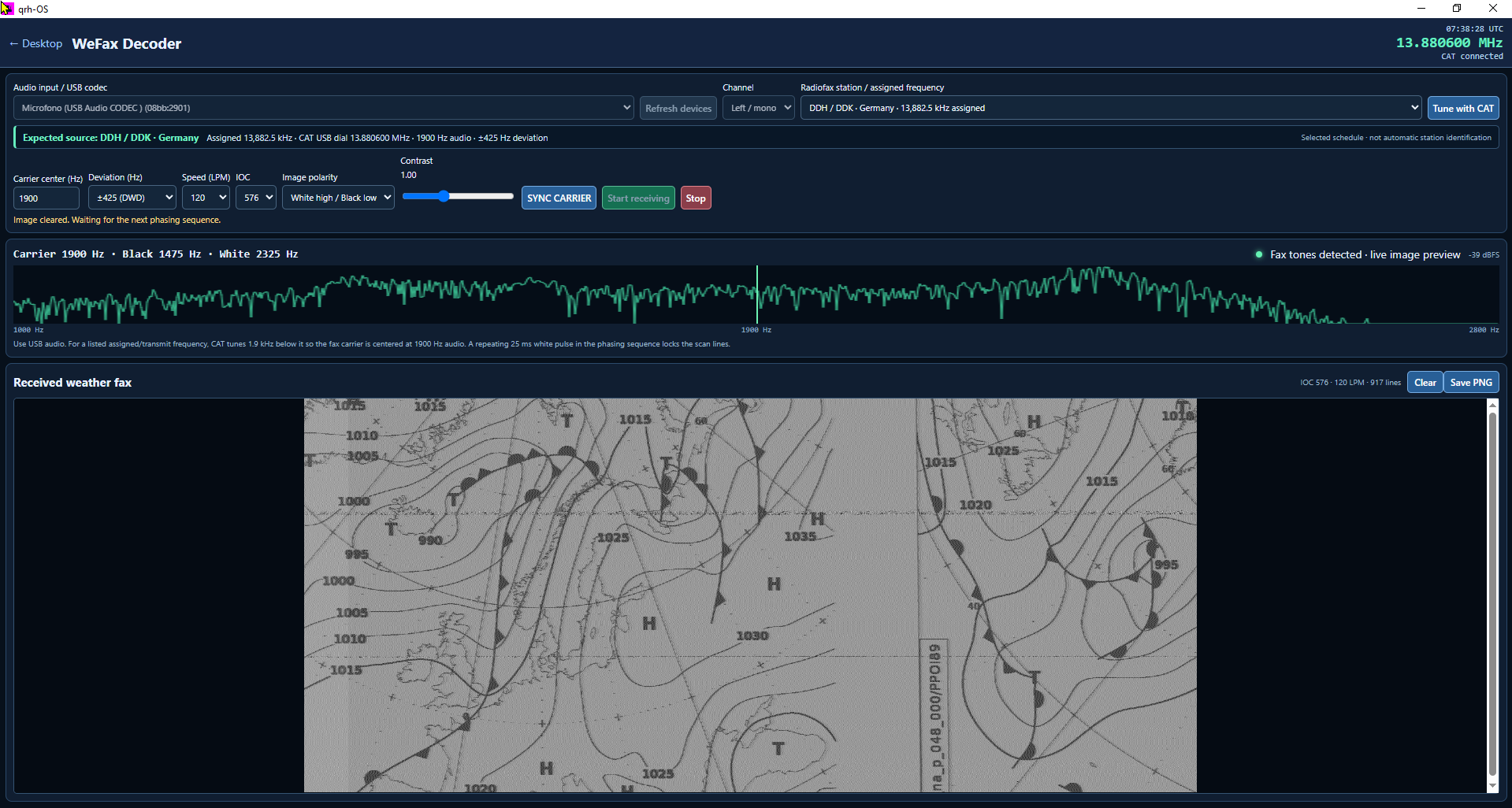
Receive weather fax transmissions with an easy system for aligning the decoder to the signal.
12
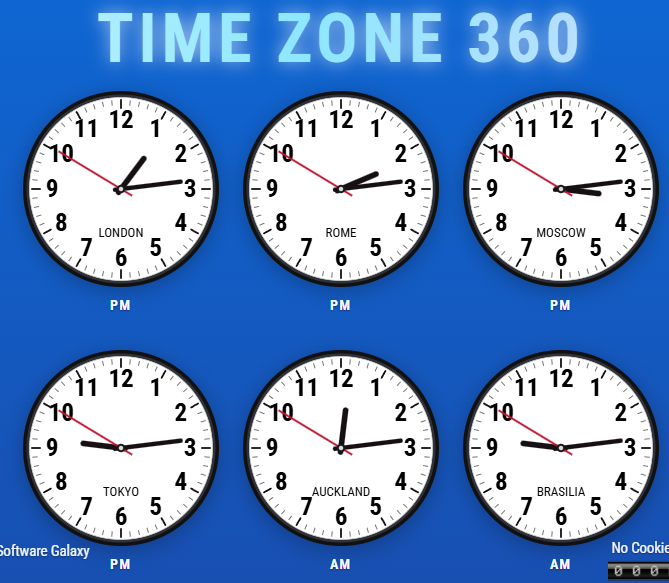
Discover the local time anywhere in the world with a single click.
13
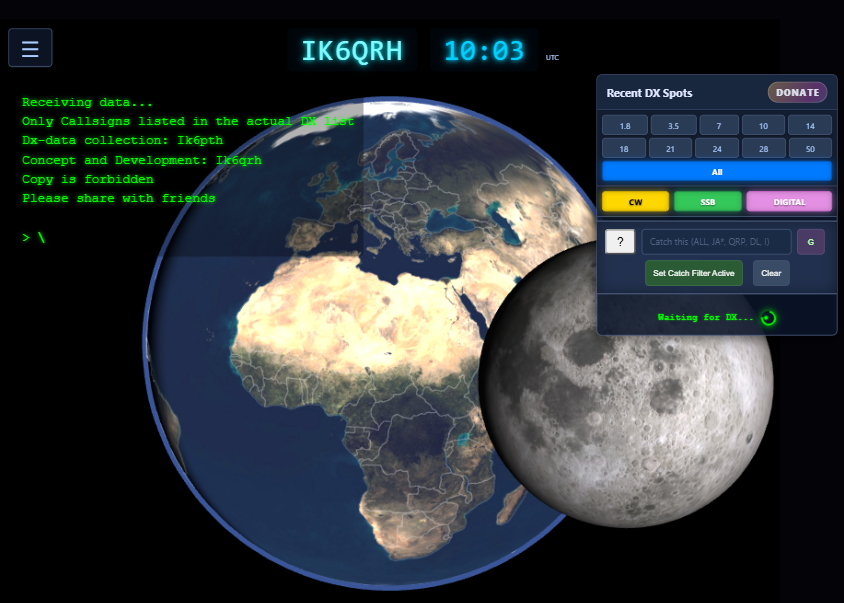
A beautiful interactive globe created by IK6QRH, showing DX stations, their locations and operating frequencies. Tune your radio with one click.
04
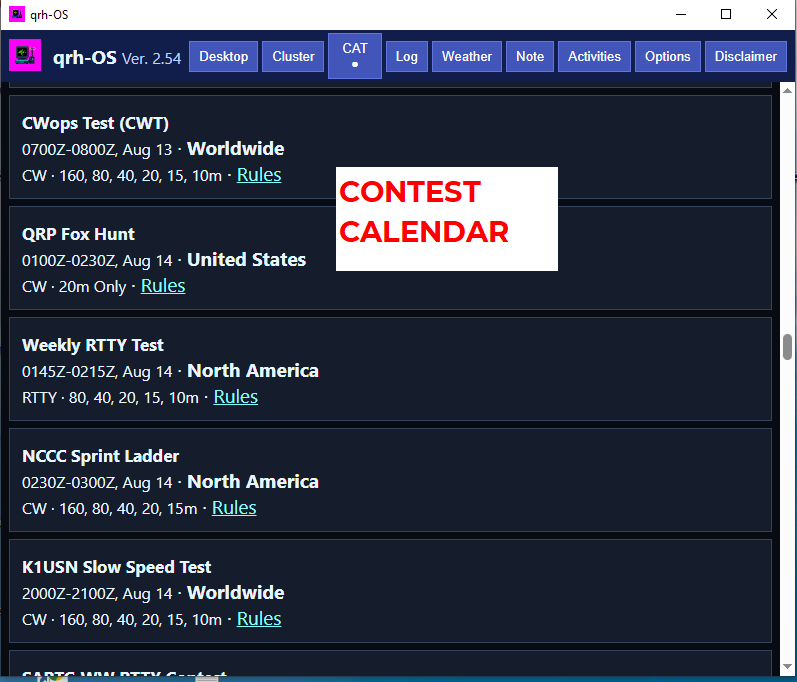
Worldwide Amateur Radio contests for the current and following month.
05
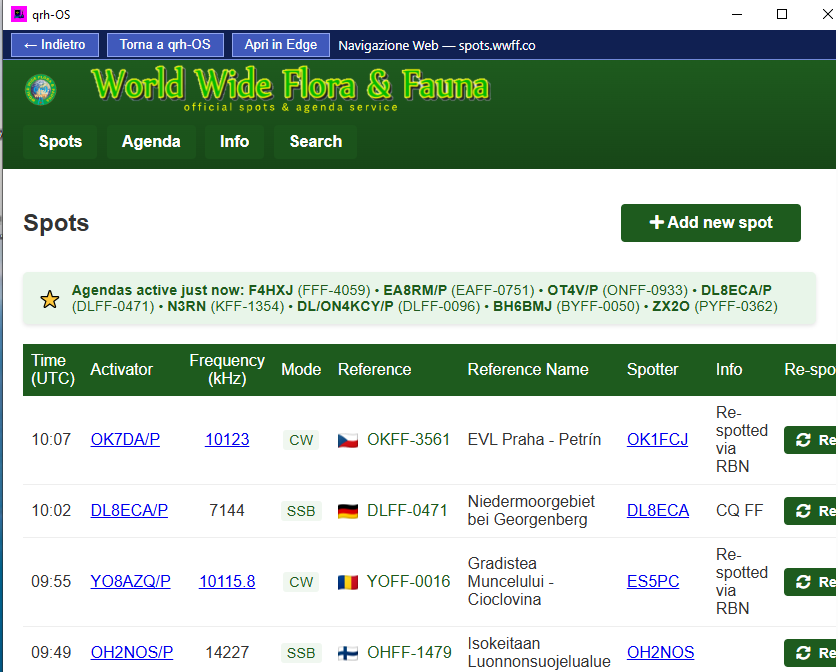
Discover live Flora & Fauna activations and tune your CAT-connected radio in real time.
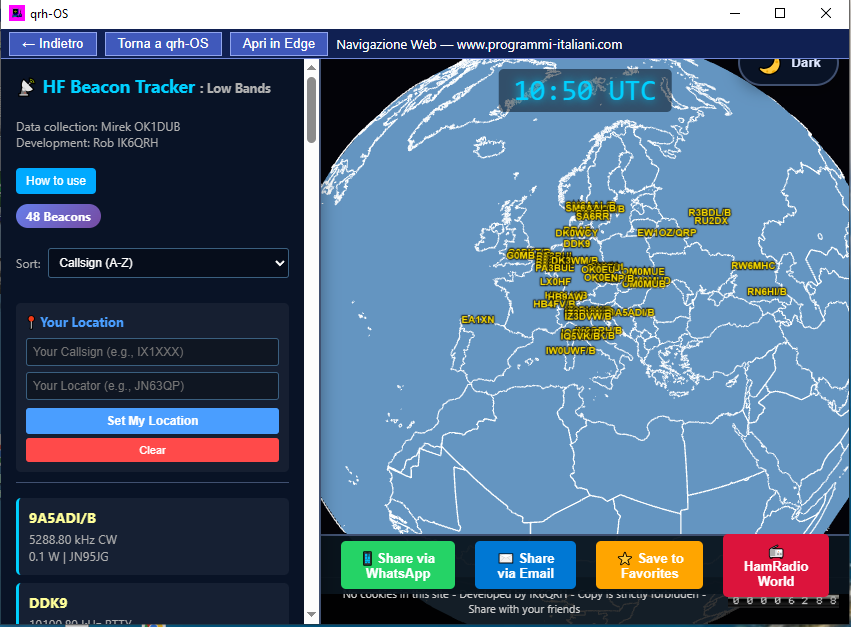
06
Explore HF beacons around the world on an interactive globe.
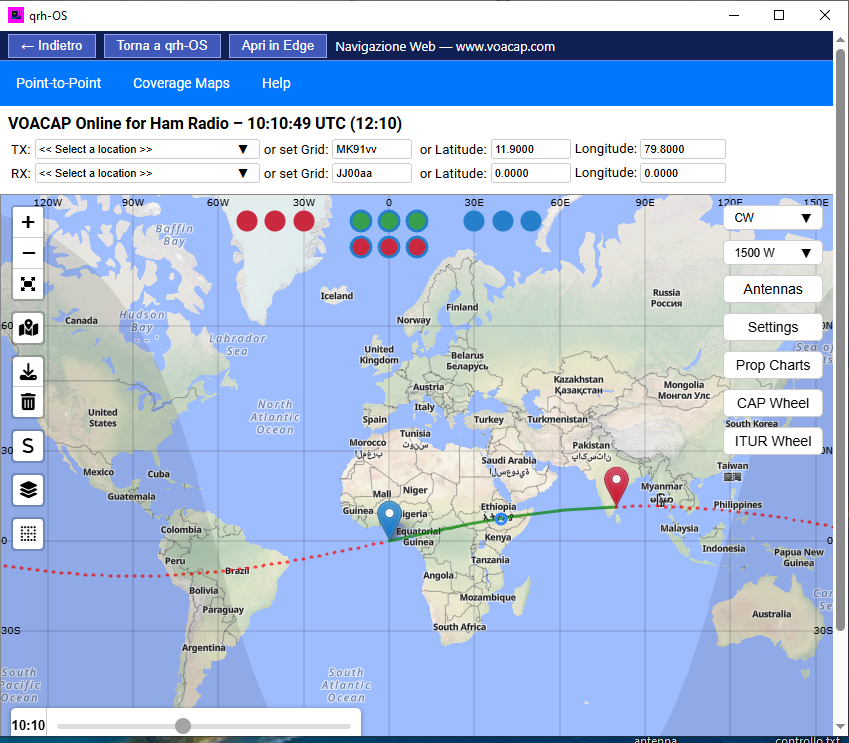
07
Check HF propagation conditions in real time.
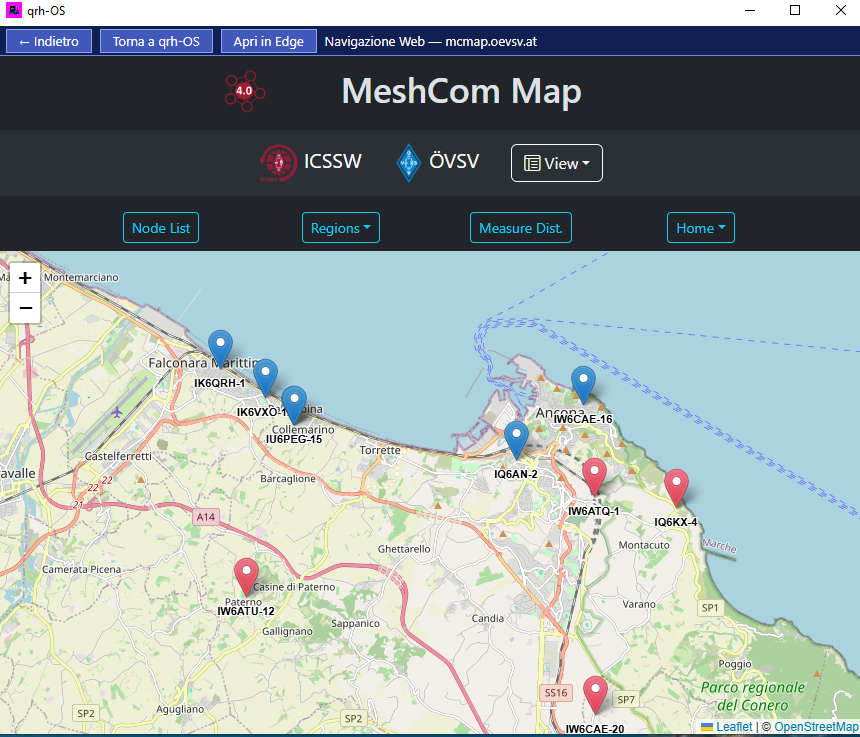
08
See MeshCom stations operating in your area.
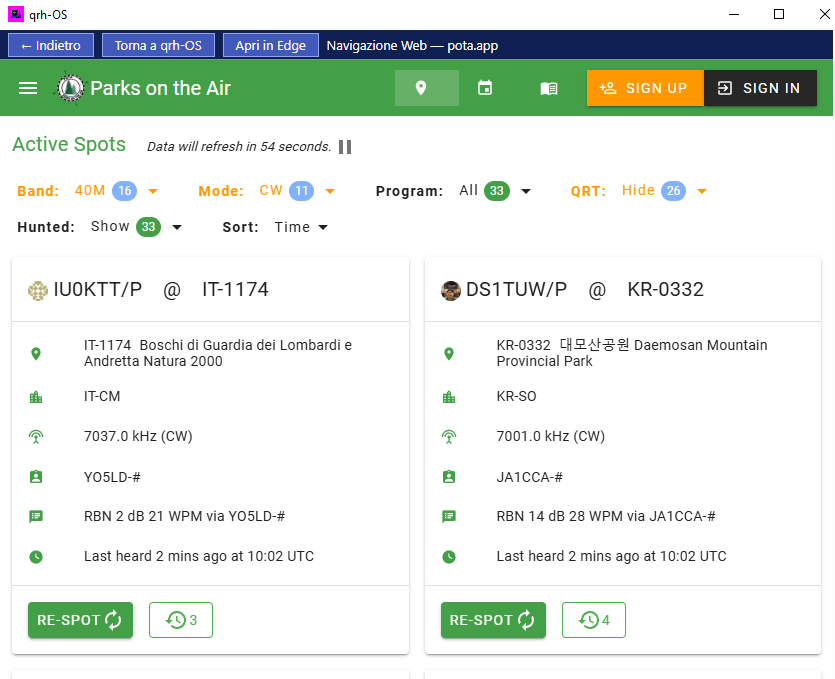
09
Official Parks on the Air activations and spots. Select a station and tune your CAT-connected radio.
10
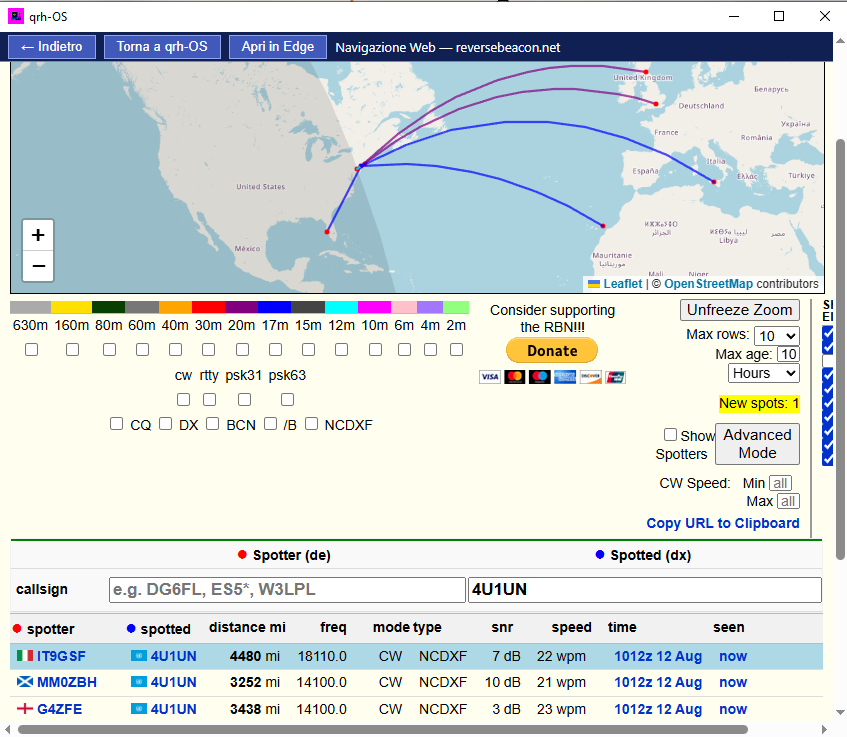
Enter your callsign in the Spotted field and discover where your transmissions—including digital modes—are being heard.
11
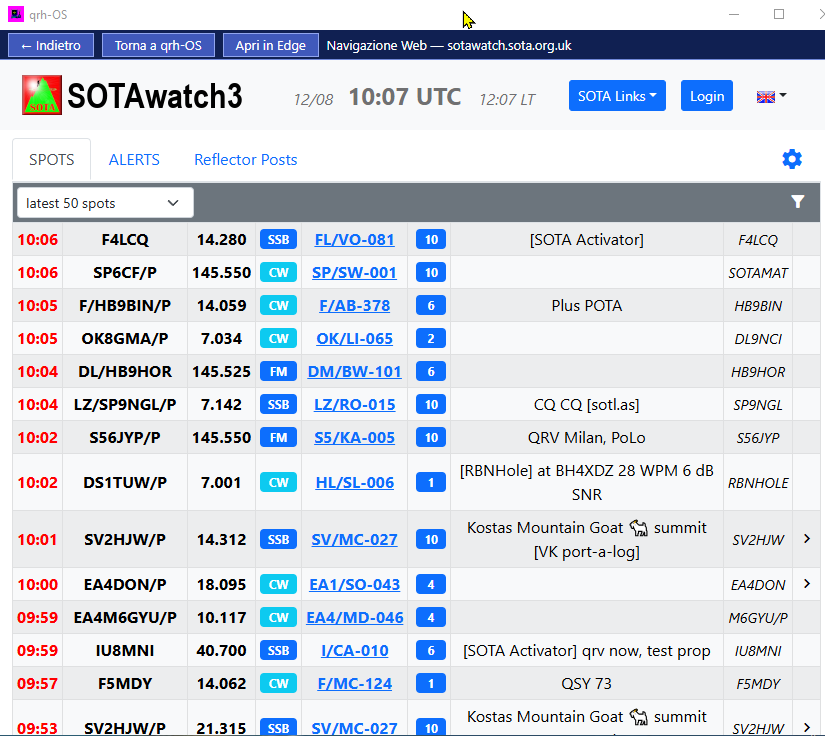
Follow real-time Summits on the Air spots and quickly tune active stations.
14
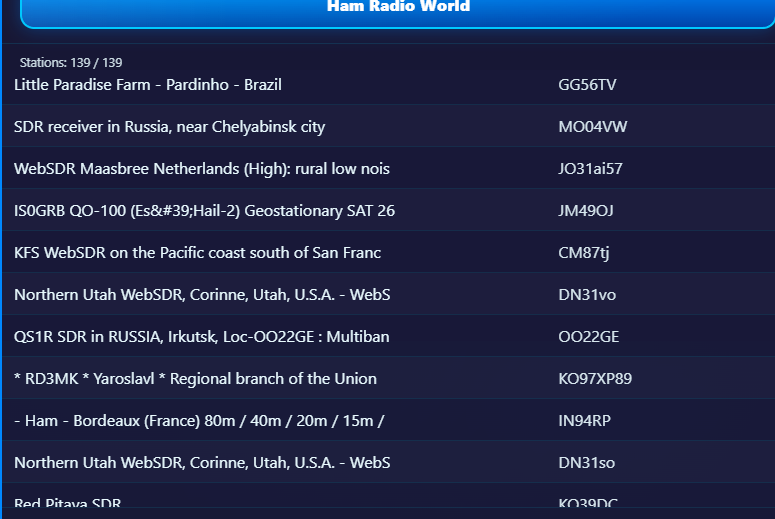
Explore KiwiSDR and WebSDR receivers worldwide: where your antenna cannot reach, a remote SDR antenna can.
15
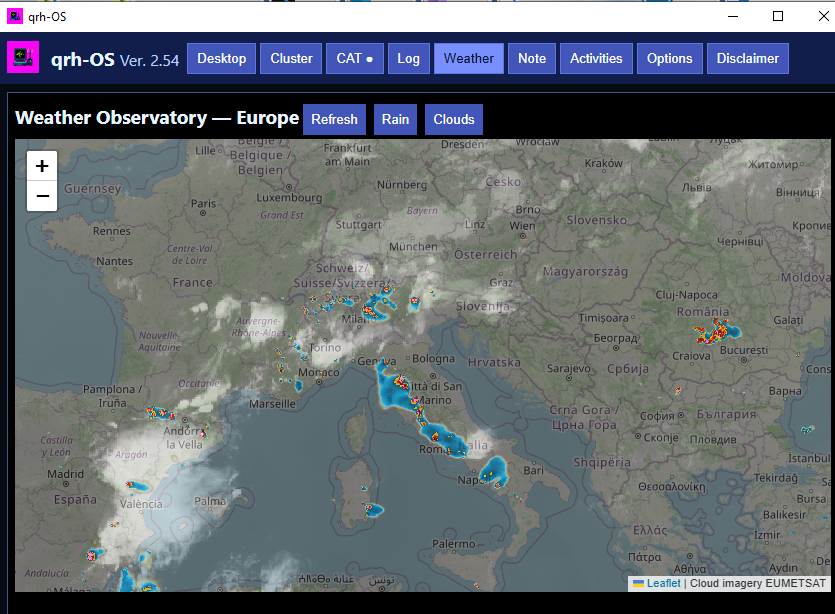
Real-time weather and rain maps for Europe and the world.
16
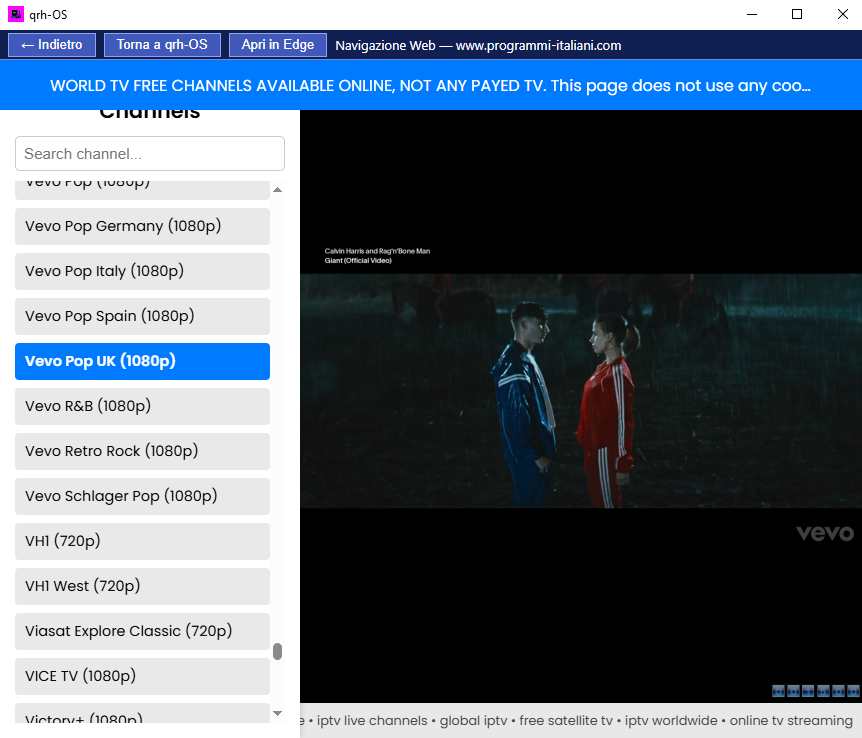
A wonderful integrated player with more than 10,000 IPTV channels. Must see—and free.
17
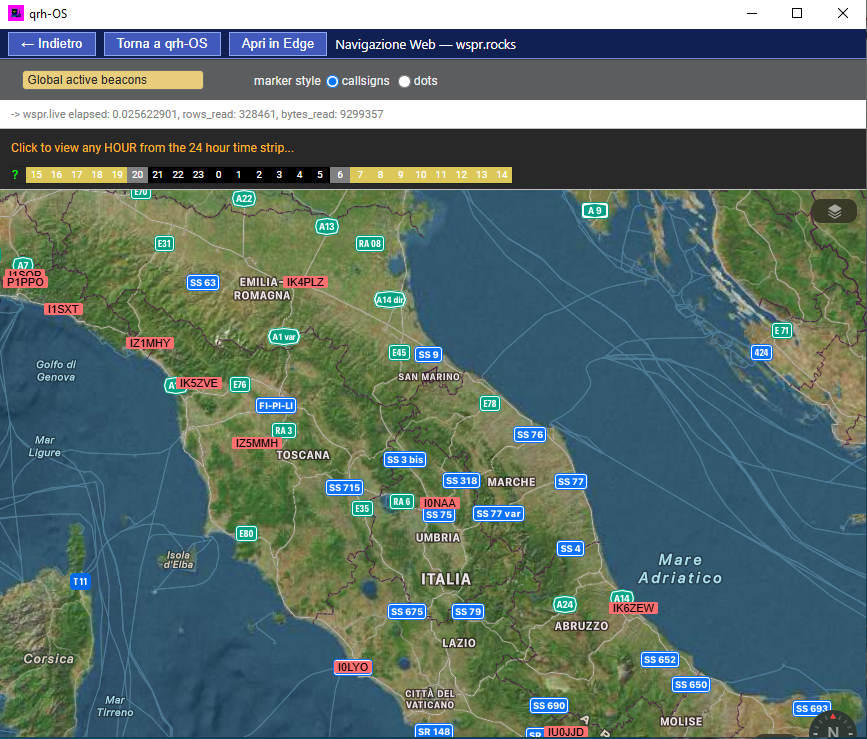
Explore the WSPR network and discover radio propagation around the world.
Ready for lift-off
C:\qrh-OS.Compatible with Windows 10 & Windows 11.
Download updates regularly to get the latest qrh-OS features and improvements.
One window. One radio desktop. A whole world of Amateur Radio.
Try every feature for 30 days, with no limits. Just donation of 9 Euro after that time to unlock.
Download qrh-OS freeNo credit card↓