No classic desktop install workflow
Use the program online from a Chromium-based browser such as Chrome or Edge on a computer connected to the radio by USB.
Online CAT control for modern HF stations
A fast, browser-based control program for Icom IC-7300, IC-7300 MK2 and IC-7610 radios. Connect your transceiver by USB, open the control panel, and tune amateur, broadcast and utility HF frequencies with speed and precision. WildCat Control was created to manage your radio from a PC, with extensions for tuning worldwide broadcast stations, POTA and SOTA activity. You can also access and control your own radio remotely, except for remote talking and direct cw key action, through AnyDesk or another remote-control program that also carries audio.
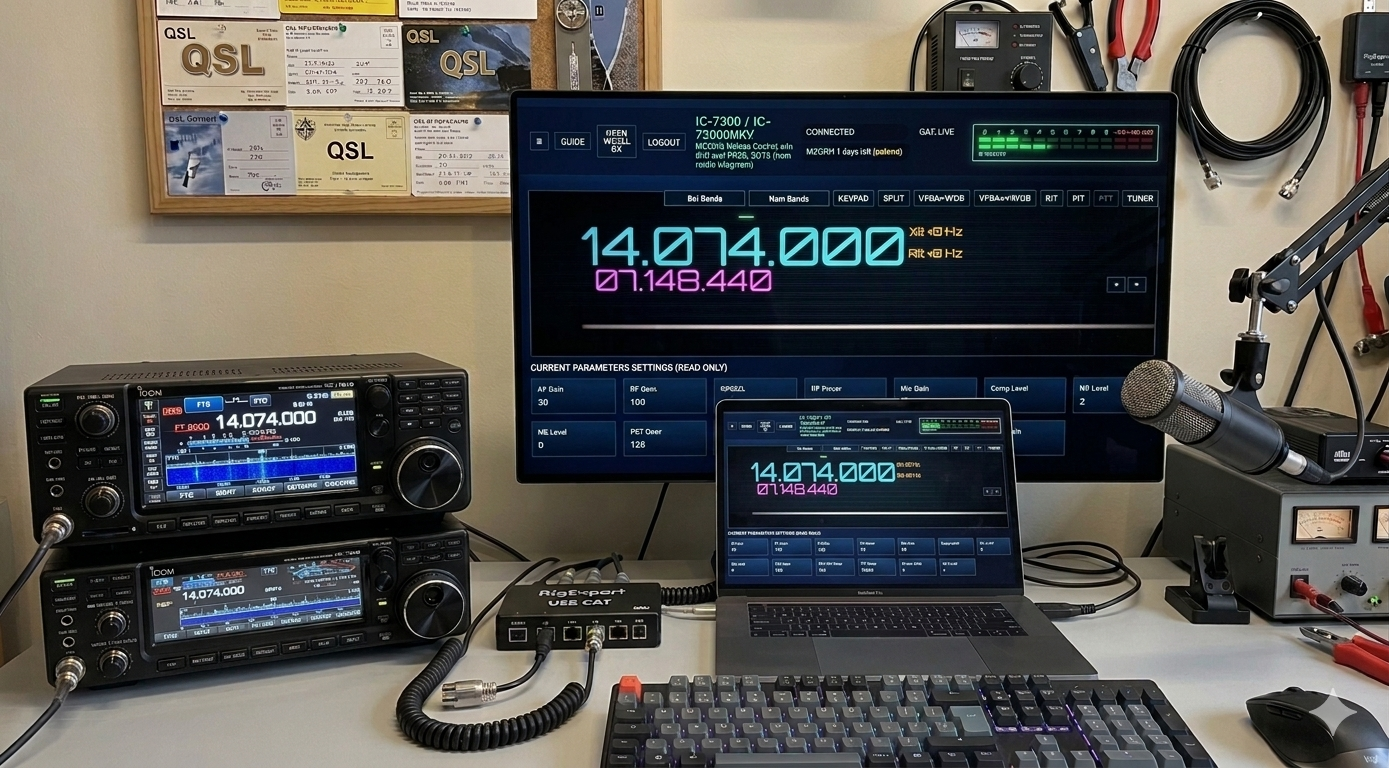
WildCat Control turns an already prepared Icom USB connection into a practical command desk for daily HF listening, amateur activity, DX hunting, utility monitoring and fast band navigation.
Use the program online from a Chromium-based browser such as Chrome or Edge on a computer connected to the radio by USB.
Jump across ham radio bands, broadcasting ranges and utility portions of the HF spectrum without manual frequency entry every time.
WildCat Control can tune the frequency and select the proper mode: AM, USB, LSB, CW, RTTY or USB-DATA.
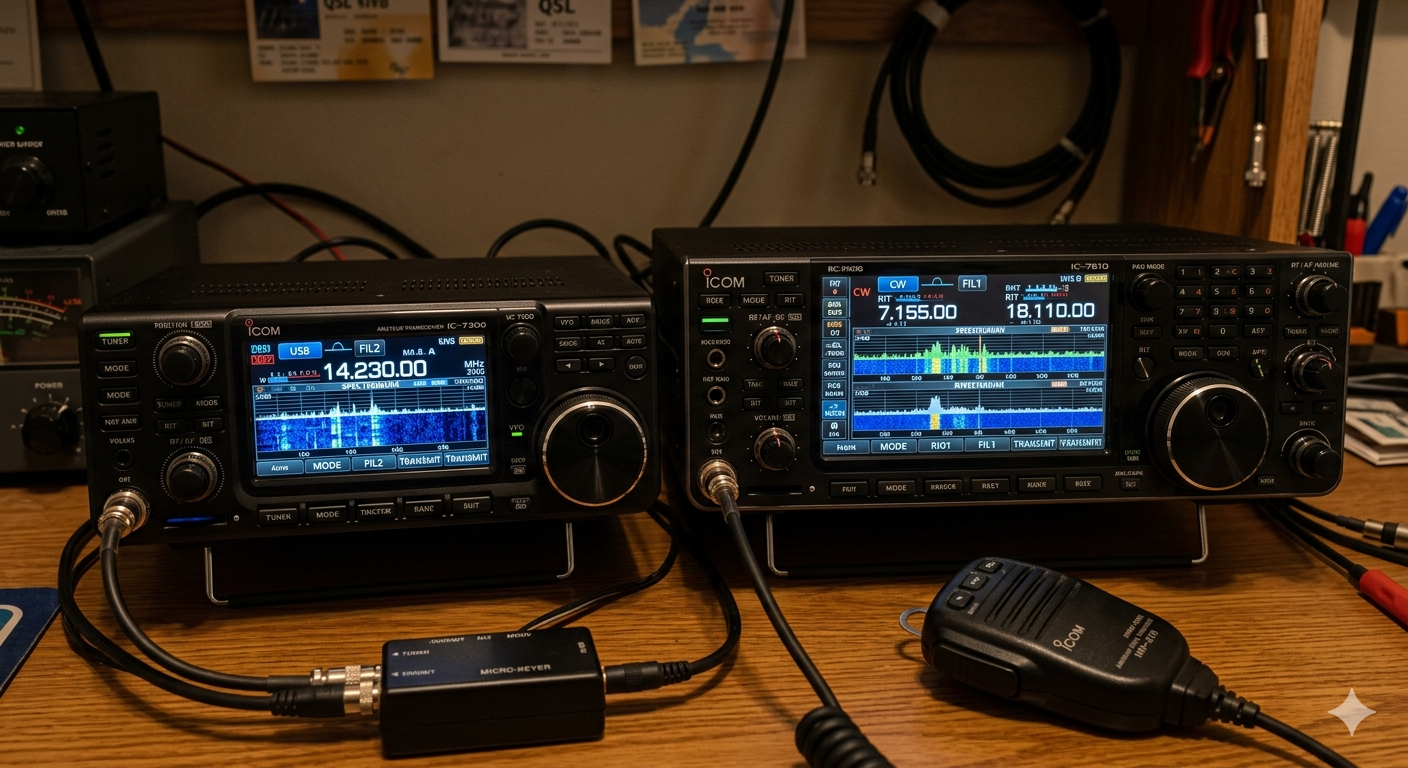
Already using digital modes?
If you have already connected your Icom radio to a PC for FT8, or if you use it with contest logging software, your computer is probably already prepared for WildCat Control. The same practical USB CAT foundation is used: a visible serial port, the correct Icom USB drivers and a working radio connection.
Simple radio link
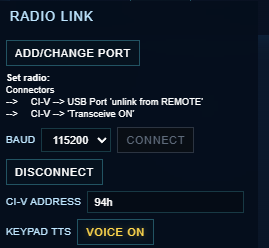
Before using the Radio Link panel, install the official Icom USB drivers and set the radio menu as shown below in the Connectors section.
Once inside WildCat Control, open the Radio Link panel, choose the serial port authorized by the browser and the connection is immediate when the radio and computer are correctly configured.
A compact control desk for real radios: live parameters from the transceiver, fast HF tuning and one-click station selection.
WildCat Control can load frequently updated and real-time databases, turning station lists into direct tuning targets instead of passive reference tables.
Move quickly through amateur bands, broadcasting allocations and utility ranges across the HF spectrum.
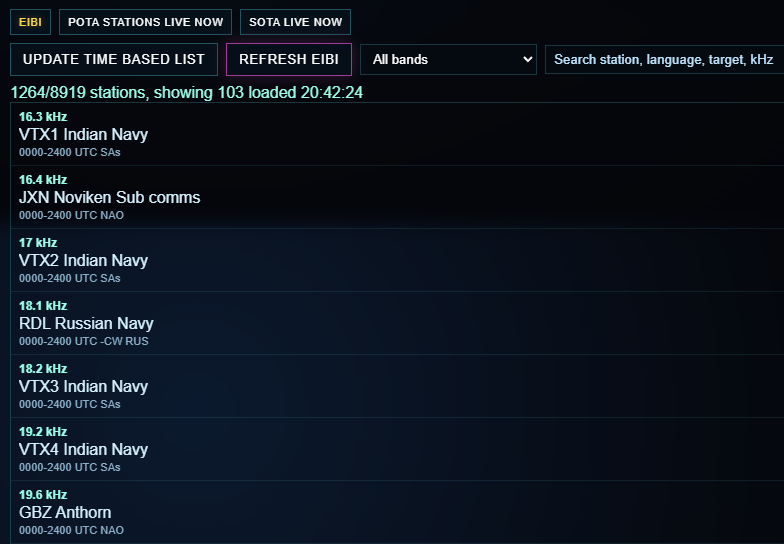
More than 8,000 broadcast and utility stations can be searched, filtered and tuned with one click.
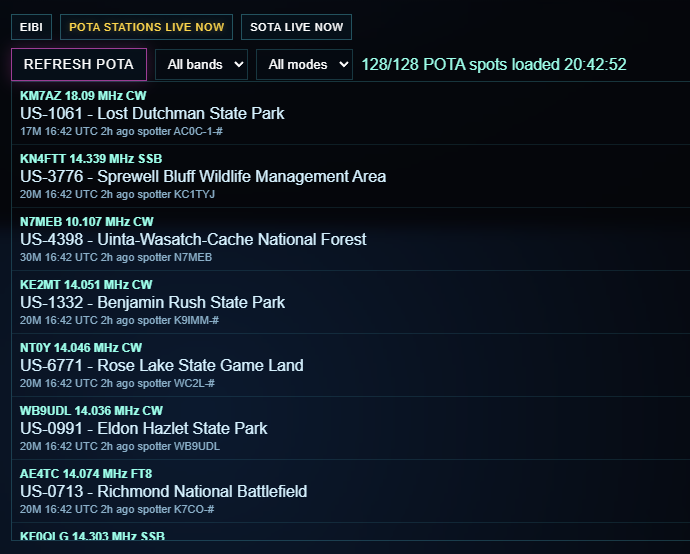
Parks On The Air spots are loaded in real time, filtered by band and mode, and tuned directly from the list.
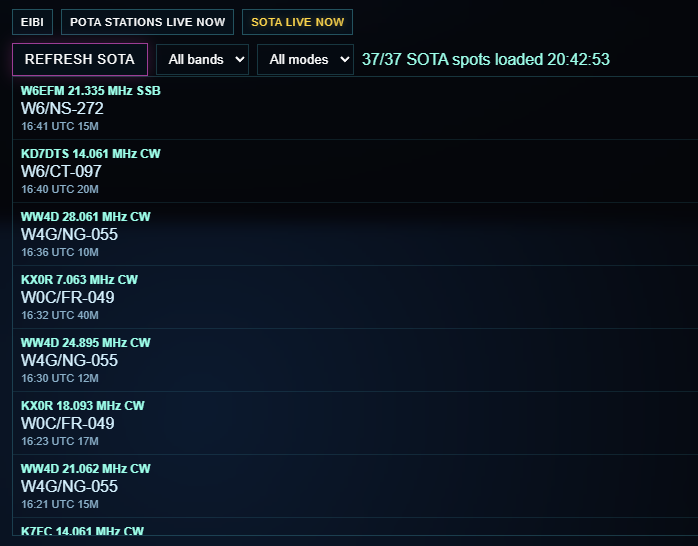
Summits On The Air entries can be followed live, excluding QRT spots and applying the correct mode.
Desktop, Mac and network use
WildCat Control works well on Mac and on the devices that can be connected to your supported Icom radio and can run a compatible browser. A single subscription can be used on more than one of your own devices at the same time, provided they are under your control and on your network.
An internet connection is required, even through a hotspot, but high speed is not necessary. The radio must still be physically connected to the computer you are using: without the connected transceiver, the program has nothing to control.
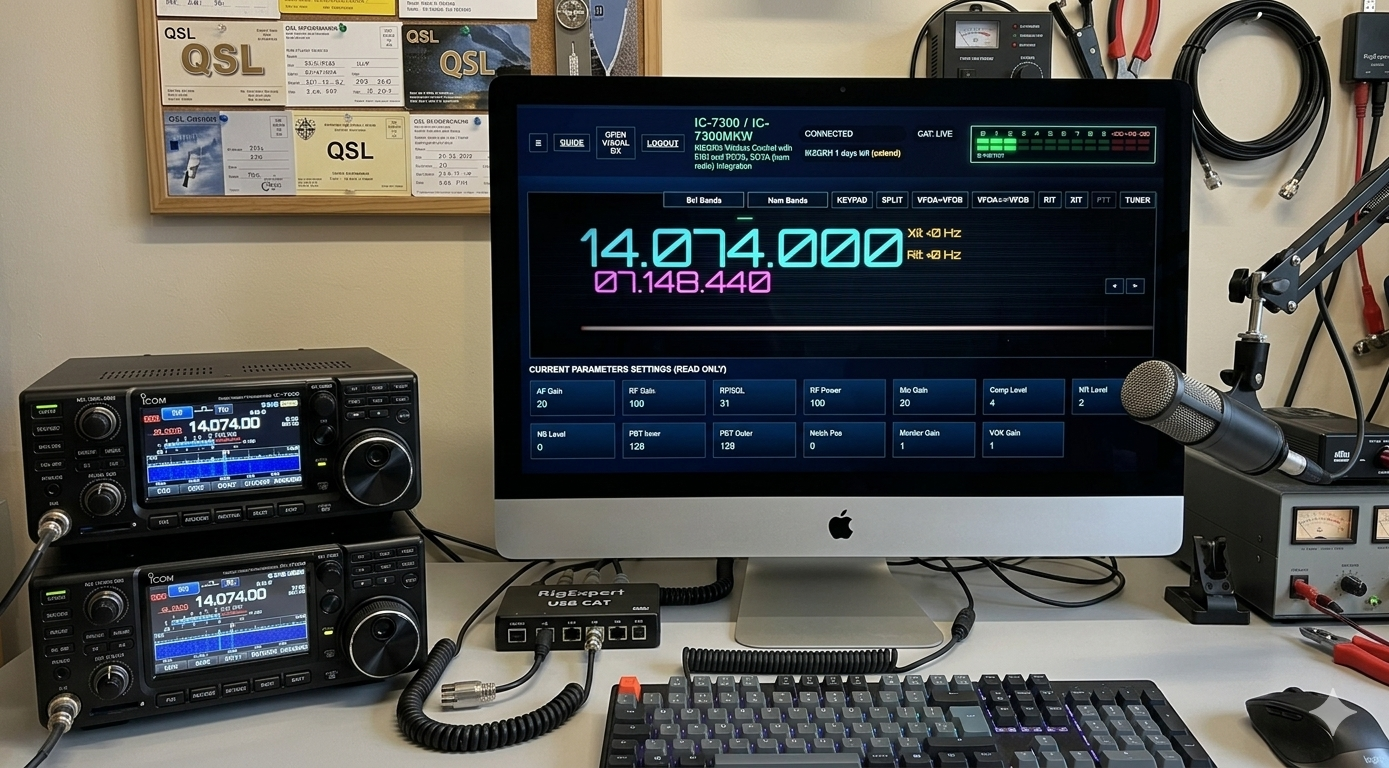
Try it today.. nothing to download.. fully working in your browser
You can try the program for a completely free 15-day period. Only if you like it, you can support the author with a very small monthly or annual subscription and continue using it without limits.
To try the program or extend your usage period, visit:
WildCat Control Panel Subscription FormFill in the form and you will receive your personal access data immediately or within a few hours.
Share it with your friends. Thank you for your support.
Roberto Borrelli IK6QRH